What Is a PWA? Installability, Offline Support, and Native App Tradeoffs
June 23, 2026
Author: Shusaku Yosa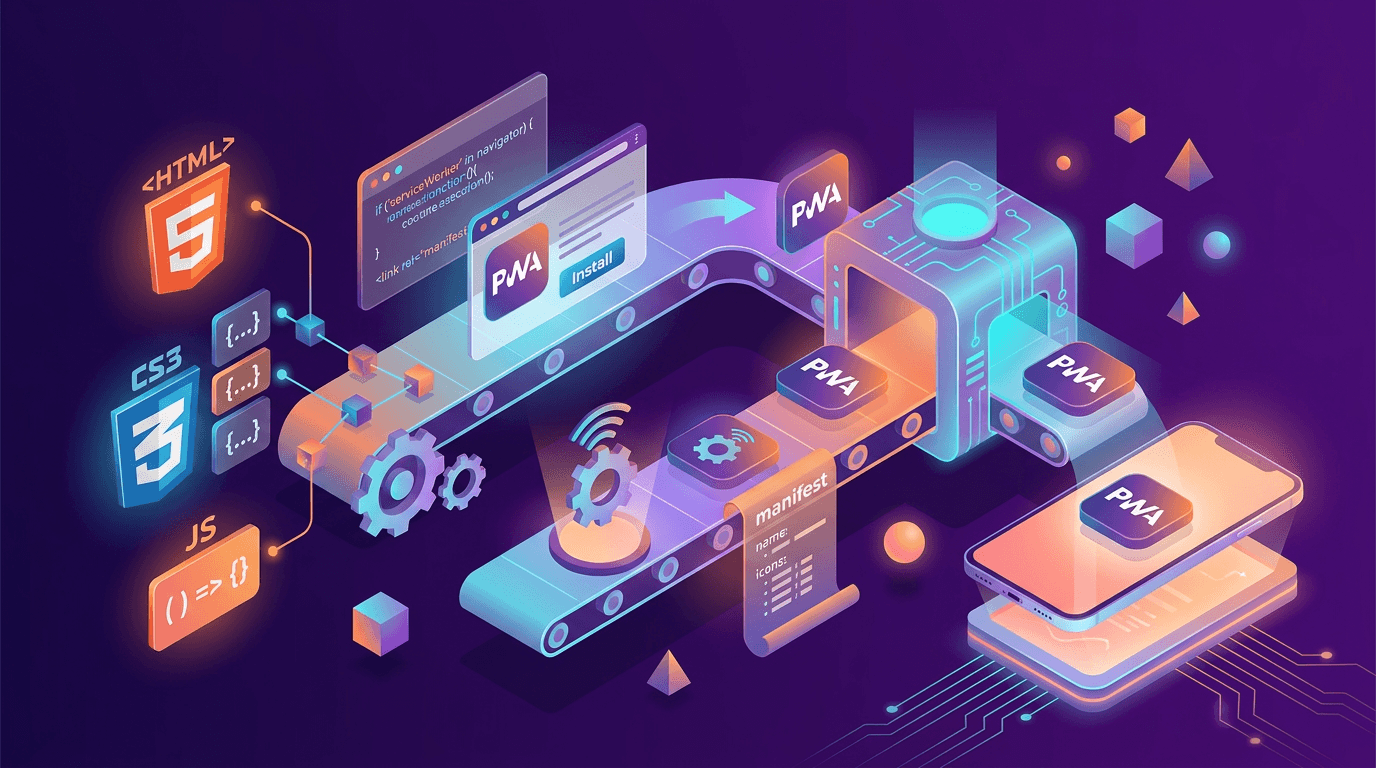
A progressive web app, or PWA, uses web technology to provide app-like experiences such as home-screen launch and selected offline behavior. It does not make every capability available on every device. Define the required experience, then check implementation and fallback behavior across operating systems, browsers, and connection states.
What a progressive web app is
MDN’s PWA introduction describes web-based applications and progressive enhancement. A normal browser experience provides the foundation; supported environments can add capabilities. PWA is not a guarantee of native-app equivalence, speed, smaller downloads, or lower cost.
Start with a problem such as easier return visits or access to previously saved guidance during poor connectivity. Search discovery still requires ordinary web checks; adopting a PWA does not guarantee rankings or indexing.
What the manifest and service worker each do
The web app manifest provides information such as the name, icons, start URL, and display mode. A service worker can handle network requests and caching for designed offline behavior. These are separate responsibilities. MDN’s installability guide does not treat a service worker as a universal installation requirement.
Experience | Mechanism | Condition or fallback |
|---|---|---|
App-like launch | Manifest and supported installation | Check the environment; retain normal web access. |
Offline reading | Service worker and storage policy | Preload content and define expiry; identify missing content. |
Notifications | Subscription, server, and supported APIs | Require platform support and permission; retain core functions after refusal. |
Updates | Worker lifecycle and cache management | Maintain compatible assets and a safe update or rollback route. |
Cached content is not permanently correct. Define expiration for changing information and protect private content after logout or account changes on a shared device.
Installability differs by browser and operating system
Production installability generally requires secure delivery such as HTTPS plus the relevant browser’s manifest and eligibility conditions; development environments such as localhost have exceptions. Installation prompts and manual actions vary. One button cannot guarantee the same installation experience everywhere.
Environment | Test | Record |
|---|---|---|
Supported Android browser | Prompt eligibility, manual addition, launch | Device, OS, browser version, before and after installation |
iPhone or iPad | Home-screen addition, launch, push conditions | Separate browser use from home-screen use |
Desktop | Installation method and window behavior | Intended OS and browser combinations |
Unsupported capability | Core functions through the normal website | Fallback instructions and failure messages |
This is a test matrix, not a permanent compatibility list. Test actual customer devices and record the date. Some browsers can install ordinary websites, so home-screen presence alone does not establish offline or notification support.
Offline behavior and push require implementation and permissions
Offline access covers the content your implementation retrieves and stores. New content or server-validated actions may still require a connection. A locally saved draft, queued submission, and accepted application are different states. Plan authentication, expiry, and deduplication after reconnection.
Apple’s Web Push documentation describes conditions including home-screen web apps on iOS and iPadOS 16.4 or later, and Safari 16 on macOS 13 or later. WebKit’s explanation also addresses user-initiated permission requests. Support, subscription, server delivery, and permission must all be checked; notifications do not appear merely because a site becomes a PWA. These conditions were checked on October 11, 2026.
Compare native apps by requirements, updates, and maintenance
Compare approaches against the same functional requirements. Sharing web technology does not remove device testing, and native development can also share code across platforms. Avoid universal cost or delivery-time claims.
Requirement | PWA questions | Native-app questions |
|---|---|---|
Device capability | Is the necessary API available in target browsers? | Is it available on the target OS with required permissions? |
Distribution | How will normal browsing and installation work? | Which distribution and store conditions apply? |
Updates | What happens with cached content and open tabs? | What happens with older installed versions? |
Maintenance | Implementation, browser differences, testing, server upkeep | Implementation, OS differences, testing, distribution, server upkeep |
MDN’s service worker guidance explains lifecycle behavior, including waiting workers. Replacing server files does not ensure that every user immediately runs one version. Design old-tab behavior, compatible data formats, and a suitable refresh process.
A fictional member service: define PWA requirements
Consider a fictional member guide service that prioritizes saved instructions. It must not describe an offline submission as accepted. Declining notifications must not block the main service.
Situation | Requirement | Failure or fallback |
|---|---|---|
Read without a connection | Show saved guidance and its update date | Explain when missing content requires connectivity. |
Start an offline application | Specify draft storage and expiry | Identify storage status without claiming acceptance. |
Reconnect and submit | Confirm the accepted ID and handle retries | Distinguish failure, pending, and accepted states. |
Use a device capability | Test the essential feature on intended devices | Offer an alternative or reconsider the approach. |
Use the web marketing starter plan to define the business purpose and the Googlebot diagnosis guide for discovery and crawling. App-like launch, search acquisition, and accepted applications are separate outcomes.
Test installation, offline states, updates, and fallback behavior
- Disconnect after an online visit and distinguish saved from missing content.
- Open offline on a first visit and check for misleading completion states.
- Test expired authentication and logout for private-data exposure.
- Decline push permission and verify core tasks remain usable.
- Update with an old tab open and test compatibility and safe refresh.
- Interrupt a submission, reconnect, and verify acceptance and duplicate handling.
Also inspect measurement across launch and reconnection using the GA4 installation and duplicate-check guide. Record the environment, expected behavior, and actual result. Address unsupported requirements through an explicit fallback or a revised support scope.