How to Write alt Text: Examples by Image Purpose and Context
June 25, 2026
Author: Shusaku Yosa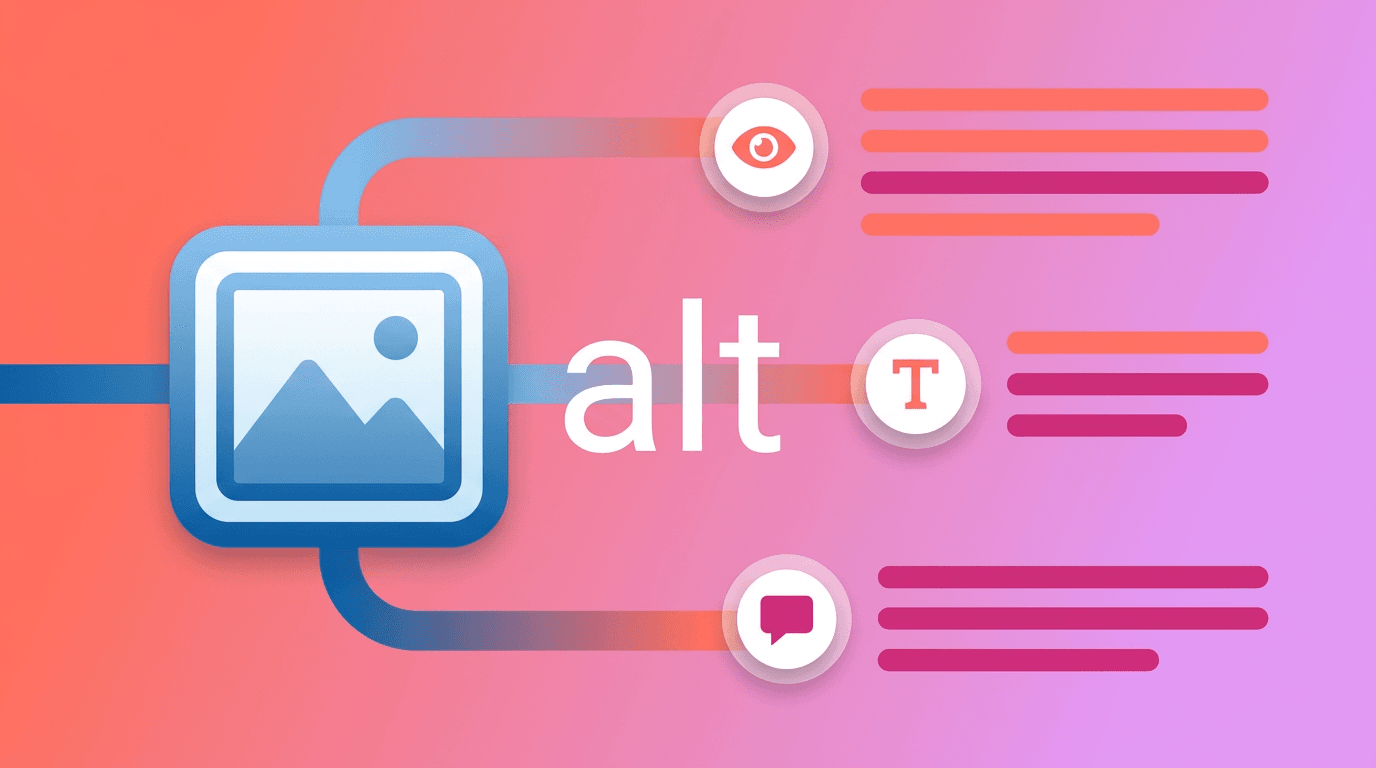
Alt text replaces the information or function an image provides in its particular context. It does not need to describe every visible detail. The same image can require different wording when it illustrates a procedure, acts as a link, or merely decorates a heading. Decide its purpose before writing the alternative.
What alt text needs to replace in context
Ask what a reader would lose if the image were unavailable. A product photograph may need distinguishing features; an image used as a control needs an action; and a chart may need both a short alternative and accessible supporting information. The answer depends on the surrounding content, not just the file itself.
W3C’s alt decision tree provides a purpose-based approach. Check the experience when images fail to load as well as when a screen reader is used. A filename, title attribute, or nearby caption does not automatically replace an appropriate alternative.
Write as briefly as the purpose permits, rather than following a universal character limit. Move necessary detail into nearby prose or an accessible table when it is too complex for a short alternative. “Image of” or “picture of” is often redundant, although the medium can matter in some contexts.
A decision flow for informative, decorative, functional, and complex images
First establish whether the image is a link or control. Then ask whether it contributes information beyond nearby text. If important words appear only inside the image, their meaning also needs an accessible equivalent. Review the image and its context together when its role is uncertain.
Purpose | Decision question | Typical alternative |
|---|---|---|
Informative | Does it convey distinct, relevant information? | A concise description of the needed information |
Decorative | Can it disappear without losing information or function? | An empty alt value to avoid unnecessary repetition |
Functional | Does activating it navigate or perform an action? | The destination or action rather than appearance |
Complex | Can a short phrase replace the essential information? | A short alternative plus detailed prose or data |
An empty alt attribute and an omitted alt attribute are different. Omitting it can result in a filename or other unhelpful text being announced. Conversely, giving an informative image an empty alternative can remove essential information. Neither “make every alternative empty” nor “describe everything at length” is a useful universal rule.
Examples and revisions for informative images
These examples use fictional pages. The same object can need a different description when its purpose changes. For a product photograph, include a visual difference only when it matters to understanding or selection.
Context | Weak alternative | Context-sensitive revision |
|---|---|---|
Product photo of a red mug | Product image | Red mug with a white handle |
Photograph explaining how to hold the mug | A mug | Fingers through the handle, with the other hand supporting the base |
Screenshot showing a report selection | GA4 screenshot | The article path is selected in the landing-page condition |
Closure notice available only as an image | Notice | Closed October 20; inquiries answered the next business day |
Two color samples being compared | Blue and red | Blue cover on the left, red on the right; both have the same shape |
The dates and interface descriptions are illustrative, not verified operating instructions. Replace them with what the real image shows and what the organization actually publishes. Avoid repeating a full nearby paragraph, but do not discard important information that appears only in the image.
Distinguish decoration from linked images and buttons
A decorative wave or an icon that repeats an adjacent heading may need an empty alternative. The textual example is alt="". This does not remove the visible image; it leaves the alternative empty. Check the actual element and surrounding structure rather than treating the attribute as a complete accessibility assessment.
Use | Possible alternative | What to check |
|---|---|---|
Logo alone linking to the home page | Site name home | Whether the destination is understandable |
Image-only search button | Search | Communicate the action, not the magnifying glass shape |
Magnifying glass beside Search in the same button | Empty alt | The visible text already supplies the action name |
Decorative icon beside a heading | Empty alt | It does not signal a distinct state or warning |
Report cover alone linking to a document | Read the introductory analytics report | Describe the destination rather than its colors |
Consider the accessible name of the link or control as a whole. Text and an image inside one link may otherwise repeat the same words. Google’s link guidance also discusses alt text for image links. A useful destination name is more helpful than adding unrelated search terms.
Support charts with a short alternative and accessible data
A complex chart needs more than a label such as “bar chart.” The following fictional entrance-session figures are not results from a real organization. The unit and period appear in the table so the chart’s meaning does not depend on its visual encoding.
Month, fictional example | Entrance sessions |
|---|---|
January | 100 |
February | 120 |
March | 90 |
Possible short alternative: “Entrance sessions from January to March; monthly values and comparison are in the following table and explanation.” Supporting prose: “February is highest at 120. March has 90 sessions, ten fewer than January’s 100. The figures alone do not establish the cause or the effect of a campaign.”
Check reading order, headers, units, and whether series can be identified without color alone. If the detailed explanation is on another page, provide a clearly named route nearby. A short alternative points to the explanation; it does not replace the explanation or every underlying value. Review the actual screen-reader experience instead of assuming that the presence of a table makes the whole presentation accessible.
Check reading context and understand the limits of image SEO
Google’s image SEO documentation describes using computer vision, alt text, and page content to understand images. Saying that search engines cannot understand images at all is inaccurate. Appropriate alternatives help explain the content, but they do not guarantee an image-search ranking.
- Read the page without the image and identify lost information or function.
- Assign an informative, decorative, functional, or complex purpose.
- Check for repetition and omissions in the surrounding text and link name.
- Test the order and control names with a screen reader where possible.
- Give complex charts units, a detailed explanation, and accessible data.
- Review the alternative whenever the image or its context changes.
Use this record for an actual review: “Page: ______; image purpose: ______; information lost without it: ______; proposed alt: ______; detailed explanation: ______; reviewer and date: ______.” Update alternatives with the article’s structure and navigation, rather than replacing them in isolation across the entire site.